Bedrock entry
2 GB Bedrock
$2/mo
Small Bedrock worlds, friends, mobile players and light communities.
- 2 GB RAM
- 2 CPU cores
- 10 GB NVMe SSD
- 1 database
Minecraft server hosting · Java and Bedrock
Pick a paid plan by RAM, then choose the edition your players need. Every plan includes protected infrastructure, NVMe storage, panel access and direct checkout.
Paid Minecraft plans
No separate Java page and no separate Bedrock page. Choose the RAM first, then click the Java or Bedrock order button inside the plan.
$2/mo
Small Bedrock worlds, friends, mobile players and light communities.
$4/mo
Best first paid plan for a small SMP, light plugins or a simple Bedrock server.
$6/mo
The safest default for plugins, growing worlds, more players and extra headroom.
$8/mo
For busier servers, larger worlds, stronger plugin stacks and active communities.
$12/mo
Extra room for bigger Java servers, heavier modpacks and larger communities.
$16/mo
Maximum listed plan for large worlds, high player counts and heavier setups.
Buying guide
This section belongs under the plans so customers can see prices first, then read the guide if they are not sure.
Java is normally the best choice when your community plays on PC or wants Paper, Spigot, Purpur, Forge, Fabric, custom plugins or modpacks. If you want the most flexibility for server jars, plugin folders, advanced configs and modded gameplay, Java is the safer option.
Start with 4 GB for a small server, choose 6 GB if you are not sure, and move to 8 GB or more when you add more plugins, larger worlds, heavier modpacks or a bigger player base.
Bedrock is the better choice when your friends or community are playing Bedrock Edition and you want a simple hosted server for that ecosystem. It is easier for Bedrock-focused communities because customers do not need to compare plugin platforms or Java mod loaders before ordering.
Use 2 GB for very small Bedrock worlds, 4 GB as a normal starting point, and 6 GB or 8 GB when the world becomes more active or needs more headroom.
Control panel
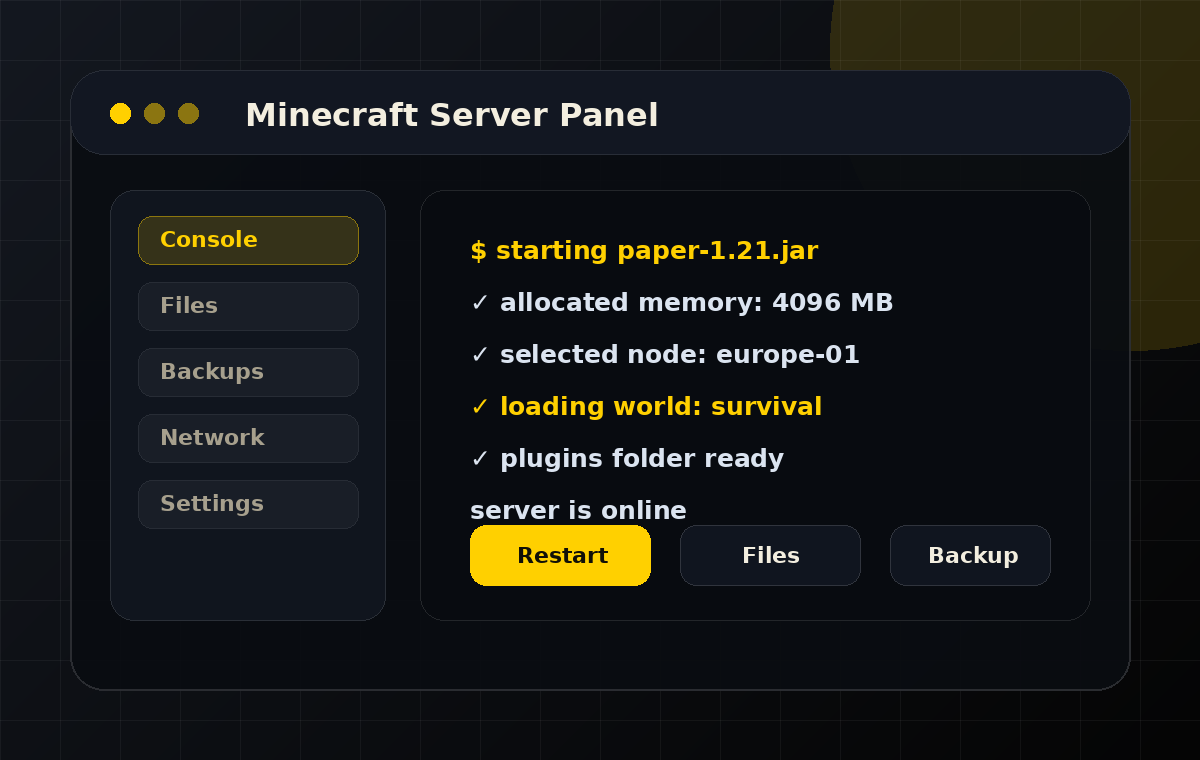
After ordering, customers should understand that they are buying more than RAM. The panel is where they start and stop the server, watch console output, upload worlds, manage plugins, change startup settings, create backups and inspect resource usage.
Choose RAM, pick Java or Bedrock and complete checkout in the client area.
The service is created and the customer receives access to manage the server.
Set the server type, upload worlds, edit files and install plugins or mods.
Upgrade when player count, plugins or world size need more resources.
Minecraft FAQ
Yes. This page is the only Minecraft hosting page. Java and Bedrock order buttons are shown inside the same RAM cards.
6 GB is the best default when a customer is not sure because it gives more headroom than the starter plan without jumping too high.
Yes. The page is built around an easy upgrade path from smaller paid plans to stronger servers.