Most problems leave a message in the console or in logs/latest.log. Find yours below.
The server doesn’t start or crashes
Read the last red lines in the console. They usually name the problem.
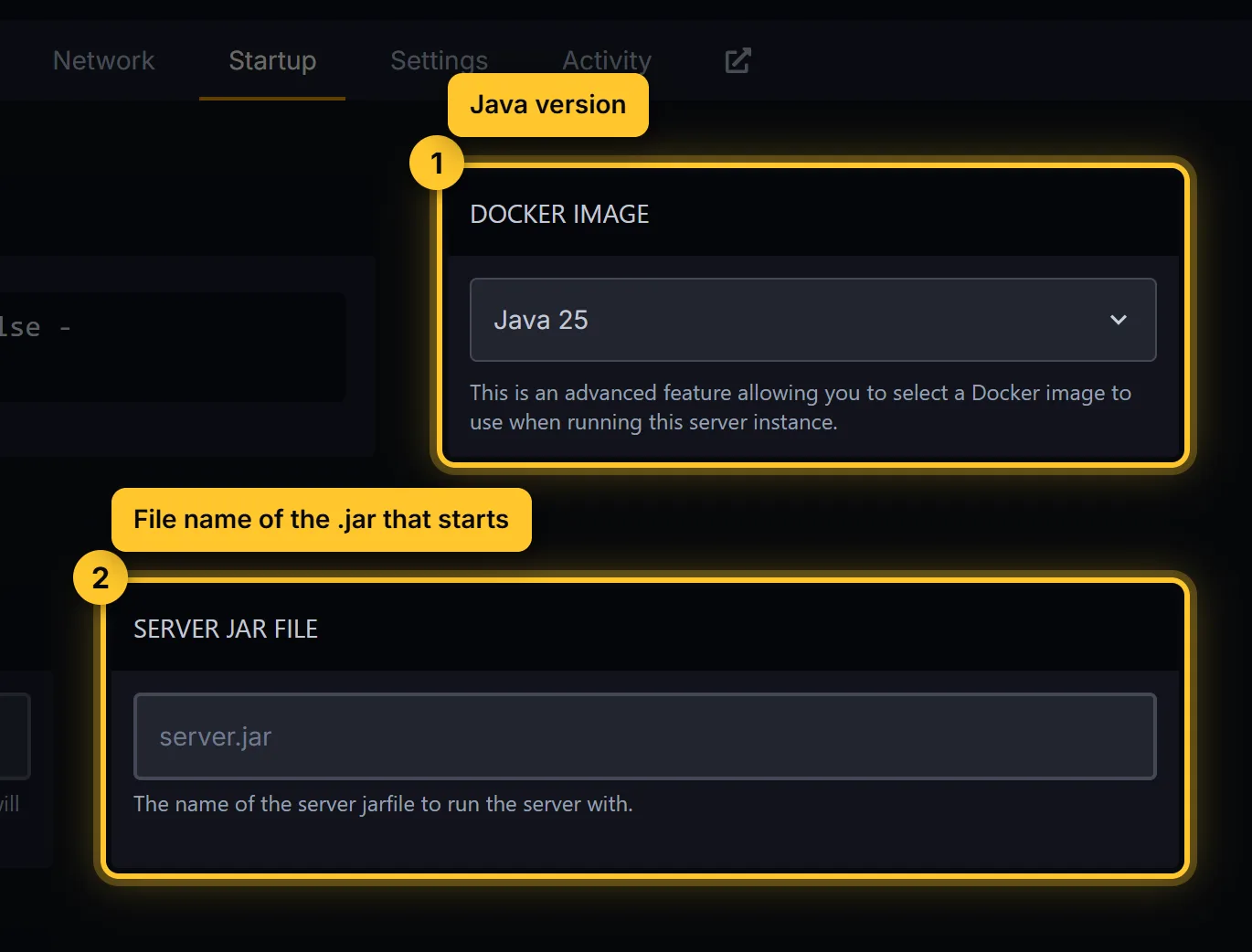
UnsupportedClassVersionError: wrong Java version. Pick the right one under Startup → Docker Image. See Change your Minecraft version.Unable to access jarfile: the Server Jar File in Startup doesn’t match a file in Files. Fix the name (it’s case-sensitive).You need to agree to the EULA: openeula.txtin Files, change it toeula=true, save and start again.OutOfMemoryError: the server needs more RAM than your plan has. Remove heavy mods or plugins, lowerview-distance, or upgrade your plan.Failed to bind to port: someone changedserver-portin server.properties. Put it back to the port shown on the Console page, or open a ticket.- An error that names a plugin or mod: it doesn’t match your Minecraft version, or it needs another plugin or mod first. Move it out of
pluginsormods, start again, and look for the right version.
Broke it after a change? Restore the backup you made before. See Make and restore backups.
Players can’t join
- Server is offline: start it and wait for
Donein the console. - Wrong address: copy the address and port from the Console page. See Connect to your server.
- Outdated client or Outdated server: the player and the server use different Minecraft versions. Join with the server’s version, or add ViaVersion on Paper and Purpur so newer clients can join.
- You are not white-listed on this server: add the player in Players → Whitelisted, or run
whitelist add PlayerNamein the console. - Failed to verify username: the player isn’t logged in to a real Minecraft account. Restarting the launcher usually fixes it.
- Bedrock players can’t join: they need Geyser. See Let Bedrock players join.
The server lags
- Run
tpsin the console (Paper, Purpur). 20 is perfect; under 18 players feel it. - Lower
view-distanceandsimulation-distancein server.properties. - Find what uses the most CPU with the spark plugin or mod.
More fixes: How to fix Minecraft server lag.
Still stuck?
Open a ticket, pick your server and paste the last lines of logs/latest.log. We’ll take a look.